01 / Start with an idea
A thought.
A photo.
A place to start.
Ask a question, drop in an image or dictate a draft. Review it before you send, then work through the reply together.
Images need a vision-capable model.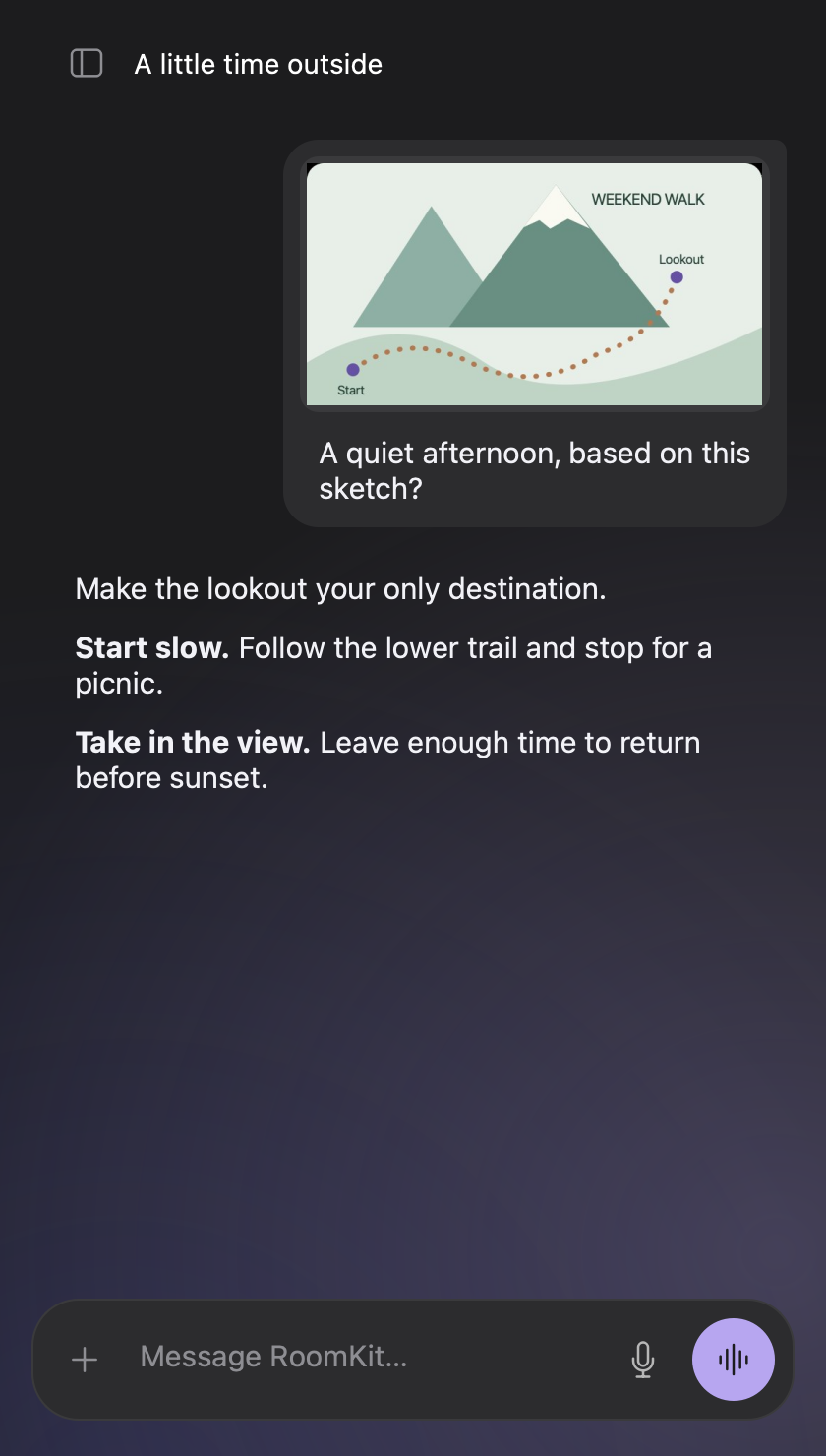
Your open-source desktop assistant
Talk through ideas. Work with images. Connect your tools. Choose the cloud or local models that work for you.
macOS · Windows · Linux · Free & open source
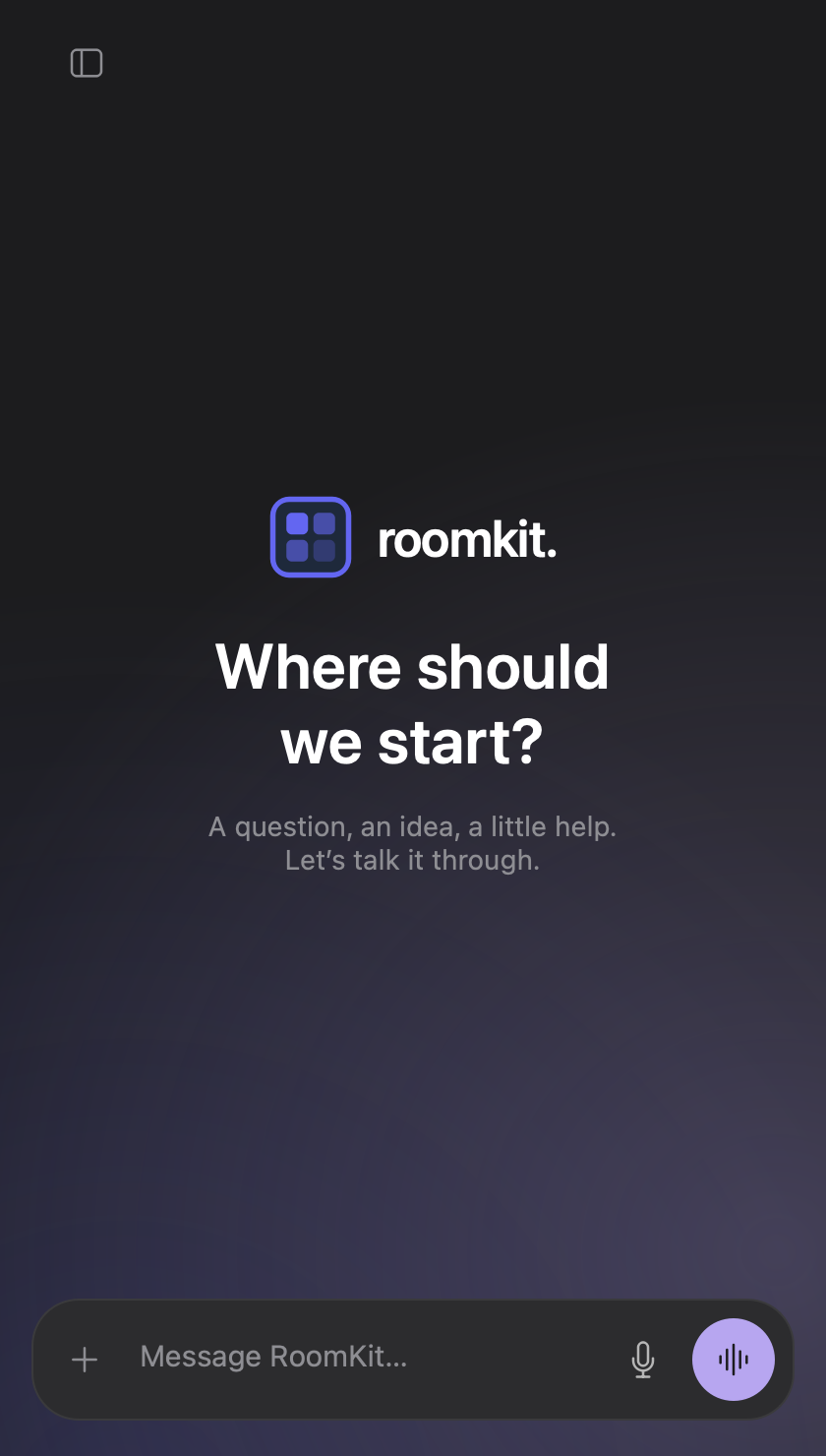
Real app captures. Illustrative conversations.
A conversation that feels like yours
01 / Start with an idea
Ask a question, drop in an image or dictate a draft. Review it before you send, then work through the reply together.
Images need a vision-capable model.02 / Think out loud
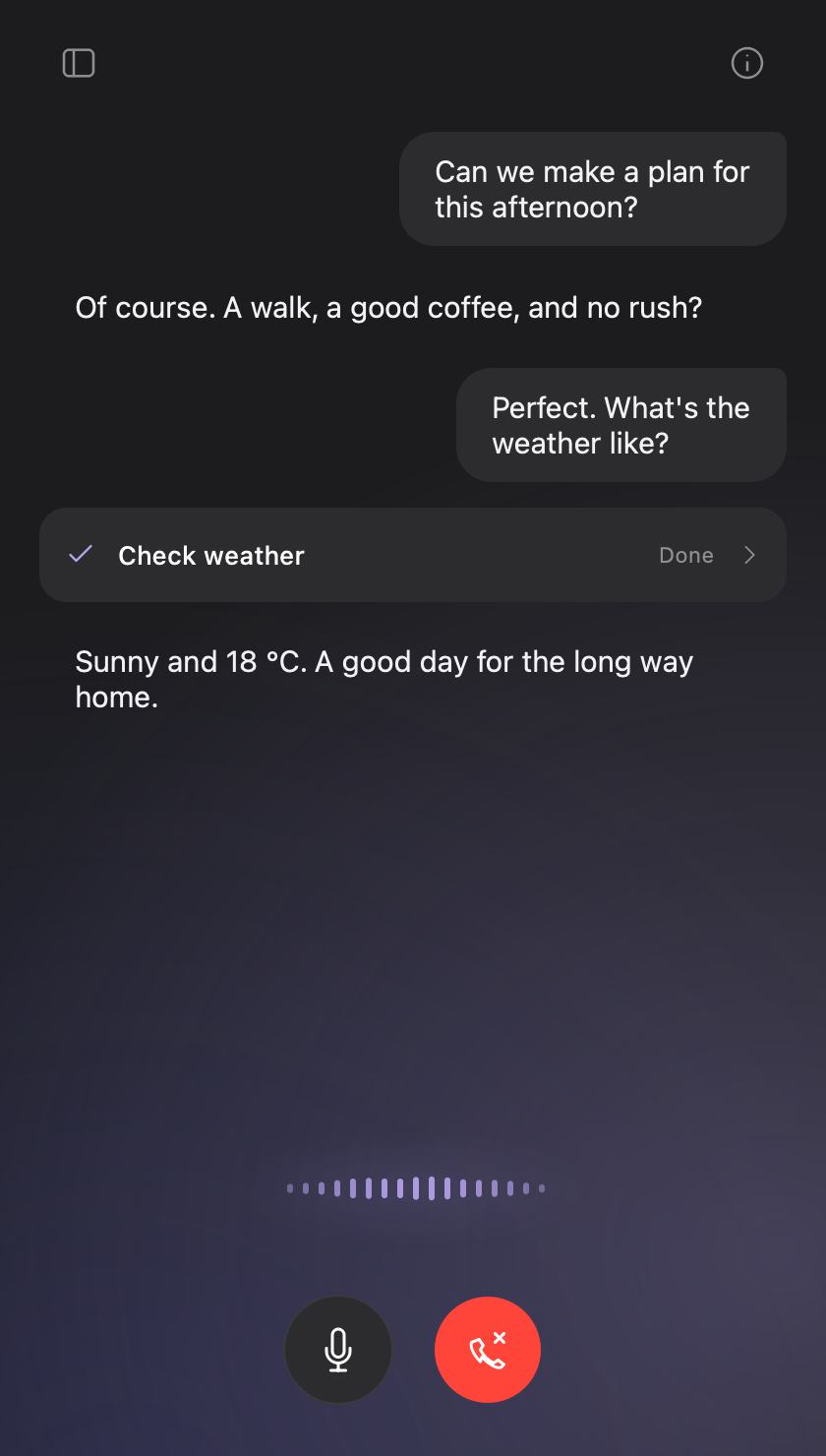
Start Live and talk it through. Interrupt, ask a follow-up and see what your tools are doing, with the transcript right there.
Hang up when you’re done. The thread stays.03 / Pick it up tomorrow
Keep separate conversations for your ideas and projects. Reopen a thread with its messages, images and saved tool results.
History is saved locally. You can turn saving off.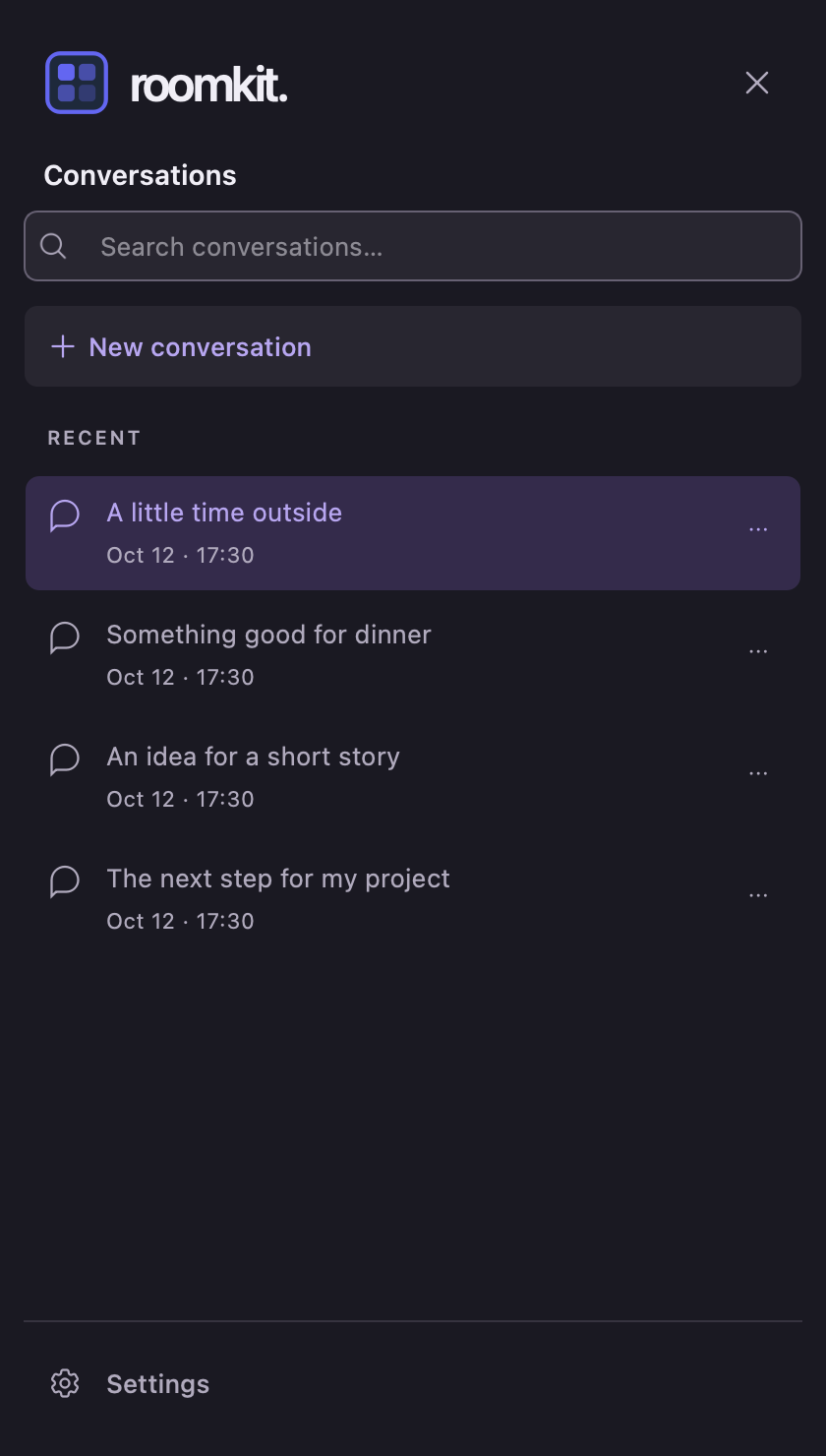
Make yourself at home
Choose the intelligence
Use your own provider keys, or run a local model. Choose your voice, language and instructions.
Explore supported providersBring your tools
Connect services through MCP, an open standard for AI tools. Add skills and see tool activity and results in the conversation.
The weather check above is one example. The tools you connect decide what your assistant can do.
See tools and integrationsA global shortcut turns speech into text wherever you’re writing.
Make room for your assistant
The app is free and open source.
Cloud AI usage is billed by your chosen provider.
Apple Silicon · macOS 13+
Download .dmgPackaged desktop app
Download .zipPackaged desktop app
Download .tar.gzWith uv installed, run:
uv tool install --python 3.12 "roomkit-ui[all]"
roomkit-ui
Some optional local voice components need a separate install. Read the setup guide ↗
Install a package or use the uv command.
Add a provider key or configure a local model in Settings.
Type a message or start Live to talk.
Before you jump in
For a cloud provider, yes: add your own key in Settings. An all-local setup can run without a cloud API key once its models and components are installed.
Yes, with local speech recognition, a local language model and local speech synthesis. Download the models first. Cloud providers and online tools still need an internet connection.
Saved history lives on your computer. Cloud providers receive the content sent to their models; connected tools receive the data needed for their actions. You choose which ones to use.
For the builders among us
RoomKit UI is built with the RoomKit Python framework. Explore the source, report a rough edge, or build your own conversational app.